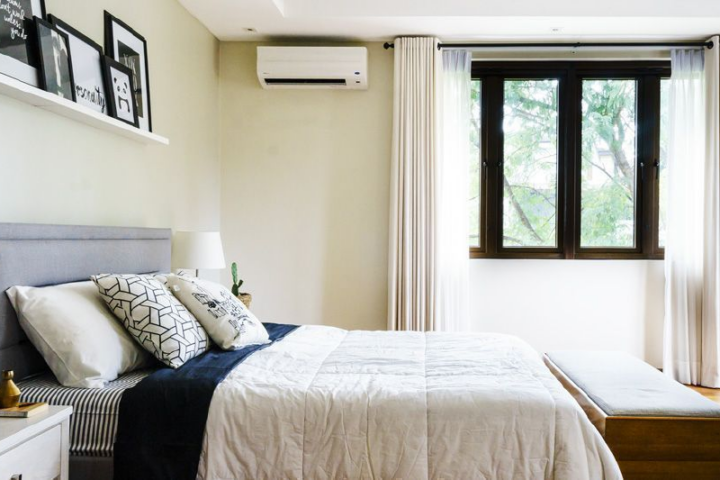
If you are not familiar with using air-conditioning and find yourselves waking up in the night freezing cold, chances are you have set the temperature too low.
For a comfortable nights sleep in the heat, follow the steps below, if the unit doesn’t have a sleep/night mode, set the temp to 27 degrees. If there’s a timer, you could set it to go off at around 3am when the outside temp is at it’s coolest. Point the fins/louvers towards the ceiling and have them static, this helps the unit read the room temperature steadily, which keeps the cooling nice and even.
Step-by-step instructions:
Locate the Button: Find the button labeled “Sleep”, “Night Mode”, or look for a moon symbol 🌙 on your remote control.
Set Initial Temperature: Before activating the mode, set your desired starting temperature (recommended between 24°C and 26°C for cooling).
Activate the Mode: Press the Sleep or Night Mode button once. An indicator light or icon should appear on the remote or unit display confirming activation.
Verify Operation: Listen for the fan speed to lower; the unit will now automatically adjust the temperature gradually until it turns off or reverts to standard mode after the set duration.
Customize Settings (Optional): Depending on your model, you may be able to press the button repeatedly or access a menu to set the duration (typically 6–8 hours) or the temperature increment rate.